ORIGINAL DRAWING LESSON
Lips in Profile
Drawing lips in profile requires attention to their volume and curve to convey their natural shape. It's important to work on the upper and lower lips, considering how light falls on them, creating highlights and shadows. The precise placement of the lip line and a slight softening of the contours will help give the drawing realism.

STEP 4 / 15
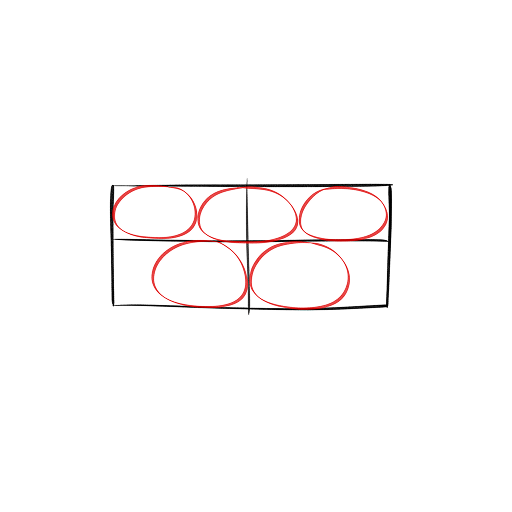
Step 4
Place five small circles: three on top and two on the bottom
Use this image in the tutorial maker →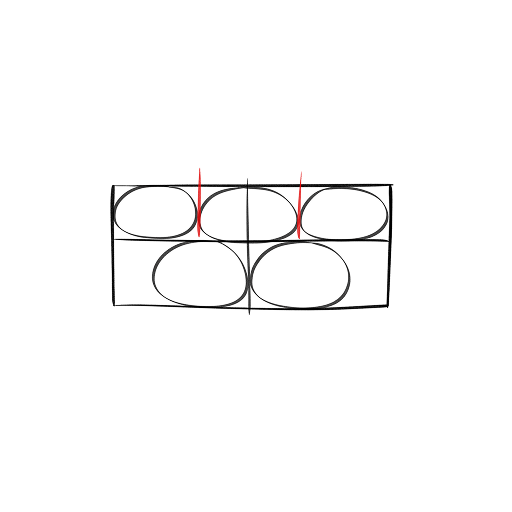
STEP 5 / 15
Step 5
Add two lines between the upper circles on the sides
Use this image in the tutorial maker →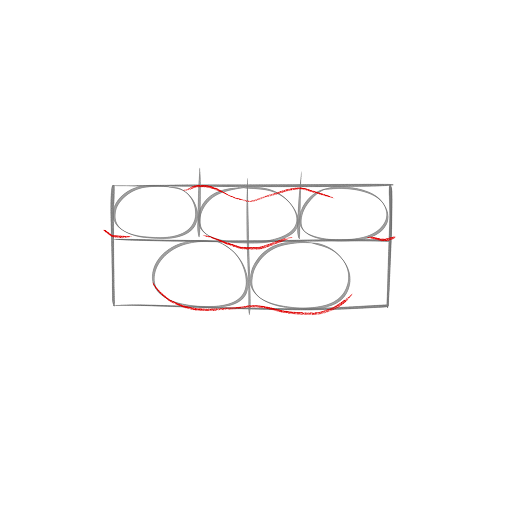
STEP 6 / 15
Step 6
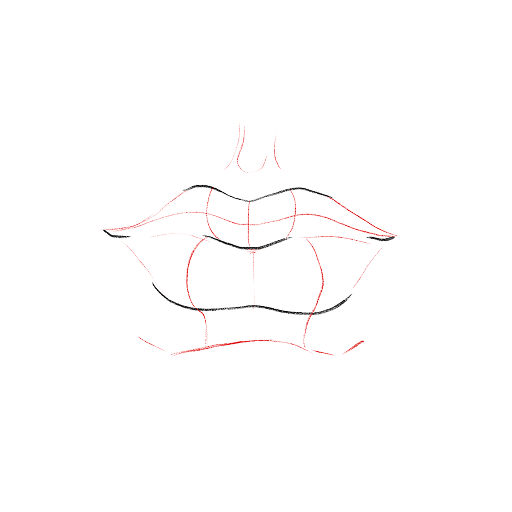
Make the sketch more transparent with an eraser or a new layer, then draw the outlines of the lips
Use this image in the tutorial maker →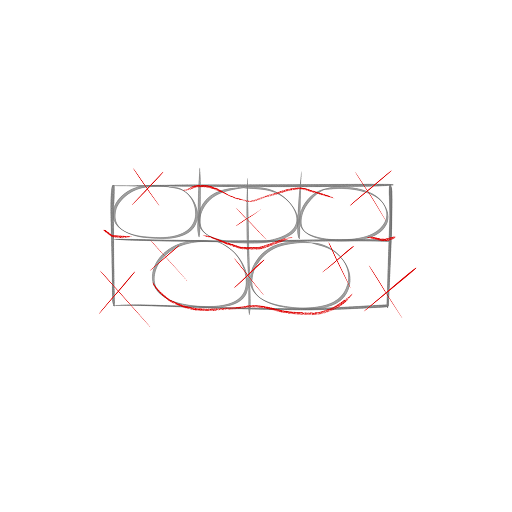
STEP 9 / 15
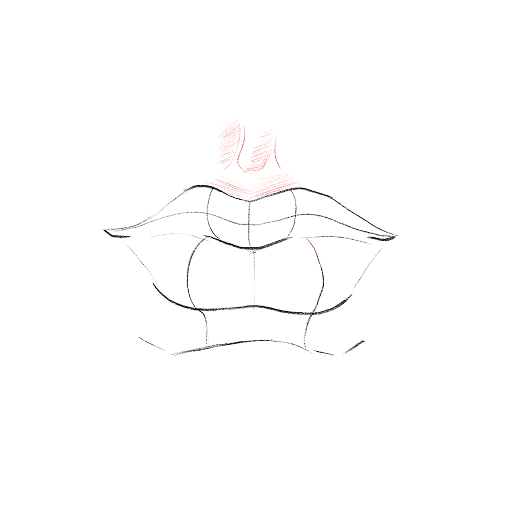
Step 9
Start shading the philtrum (the groove above the upper lip) with light horizontal lines
Use this image in the tutorial maker →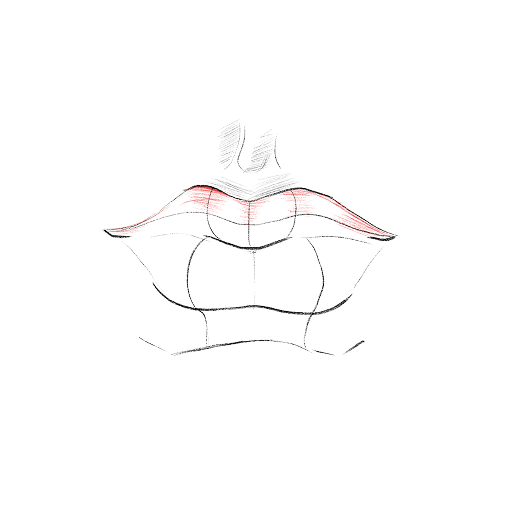
STEP 10 / 15
Step 10
Shade the upper lip following its shape, also with horizontal strokes
Use this image in the tutorial maker →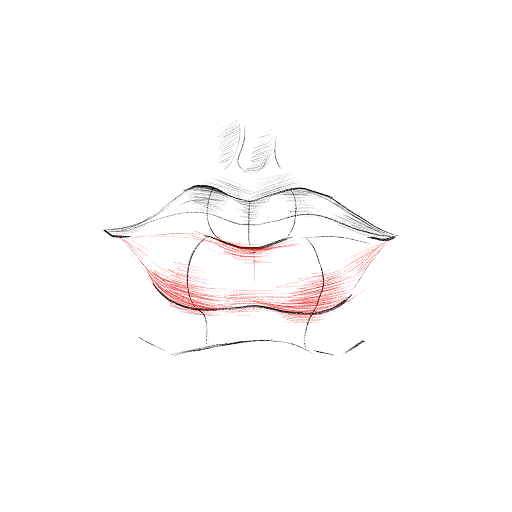
STEP 11 / 15
Step 11
Now, shade the lower lip in the exact same way
Use this image in the tutorial maker →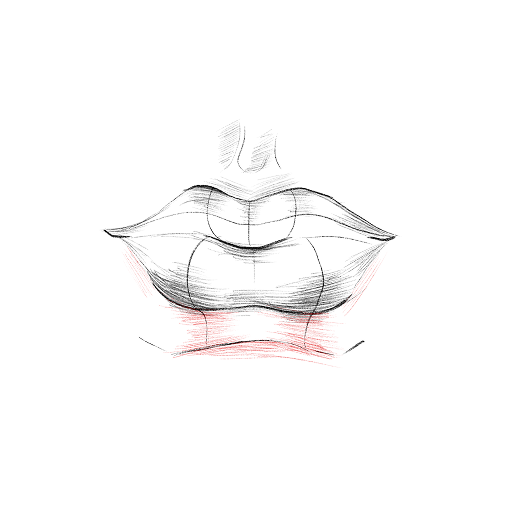
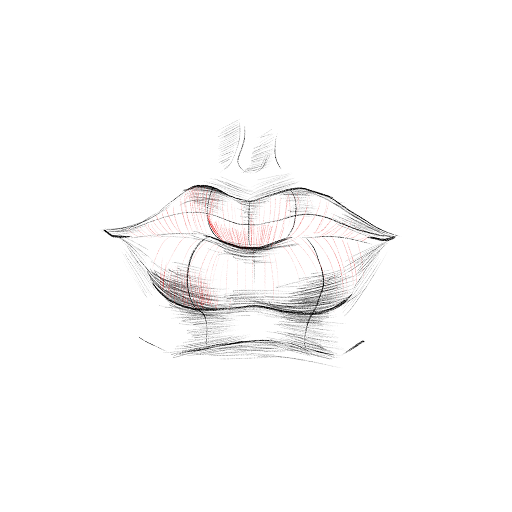
STEP 13 / 15
Step 13
You can shade the entire mouth with vertical lines
Use this image in the tutorial maker →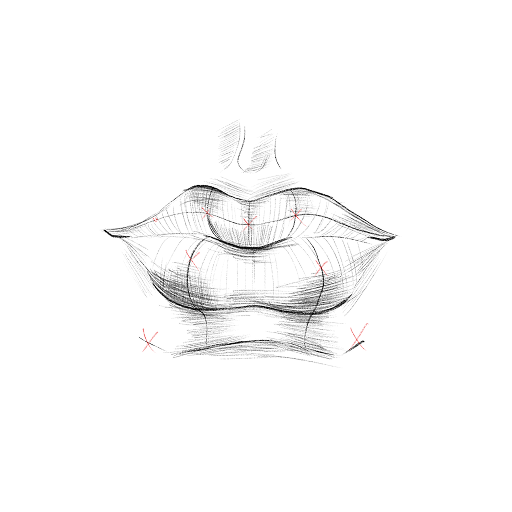
STEP 14 / 15
Step 14
If possible, erase the auxiliary lines or draw them faintly beforehand
Use this image in the tutorial maker →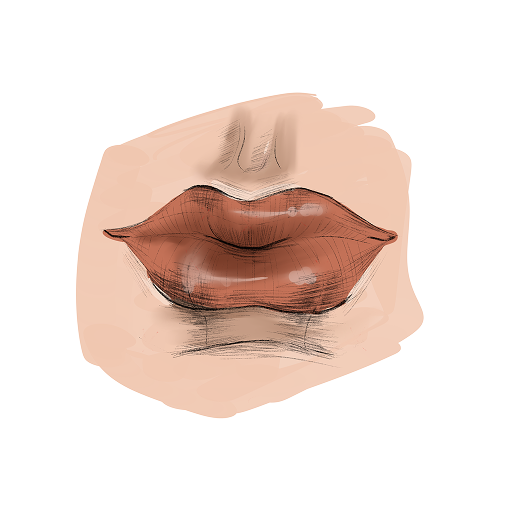
STEP 15 / 15
Step 15
The drawing of the lips is ready! You can color it according to the example.
Use this image in the tutorial maker →


