ORIGINAL DRAWING LESSON
Leonardo DiCaprio
A drawing of the actor Leonardo DiCaprio in the style of a portrait illustration. Portraits of famous people are a great way to practice attention to detail, especially facial expressions, features, and accessories. DiCaprio has a distinctive feature — his facial expressions are often used as memes, which has made him one of the most recognizable actors on the internet. His most popular films are "Titanic," "Inception," "The Wolf of Wall Street," "Shutter Island," "The Revenant," "Django Unchained," "Killers of the Flower Moon," and "Once Upon a Time in Hollywood."

STEP 1 / 12
Step 1
Draw a circle for the head and add the lower part of the face with the chin and neck. Outline the ear.
Use this image in the tutorial maker →
STEP 2 / 12
Step 2
Add the shape of a hat on top of the head. It should be tilted slightly back.
Use this image in the tutorial maker →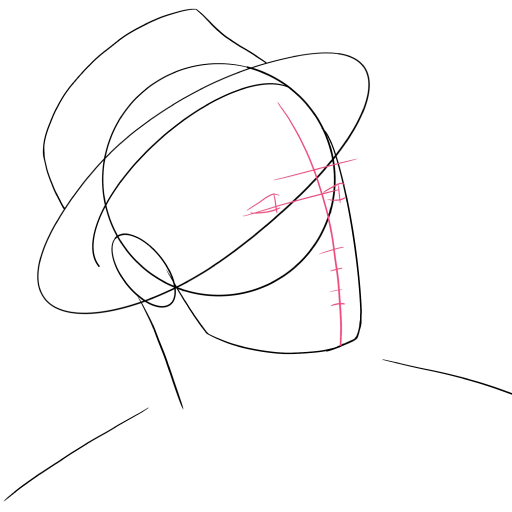
STEP 3 / 12
Step 3
Draw guide lines on the face - a vertical axis and horizontal levels for the eyes, nose, and mouth, outline the features of the eyes.
Use this image in the tutorial maker →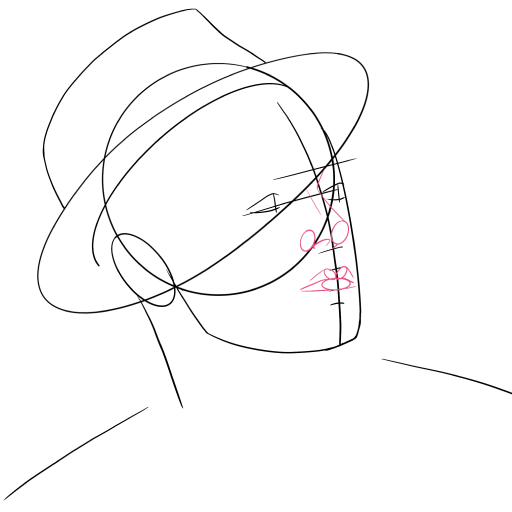
STEP 4 / 12
Step 4
Add facial features: nose and mouth with schematic lines.
Use this image in the tutorial maker →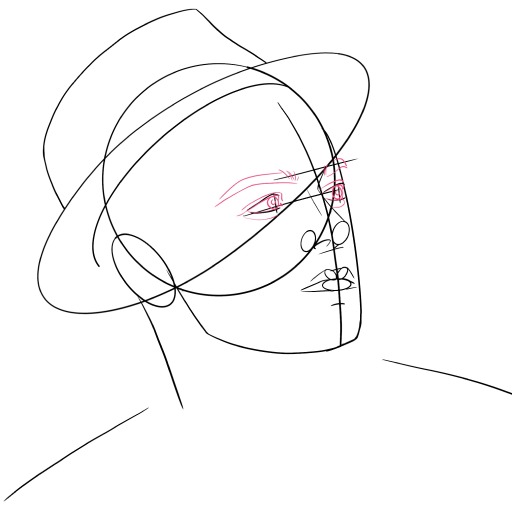
STEP 5 / 12
Step 5
Refine the shape of the eyes and draw the eyebrows.
Use this image in the tutorial maker →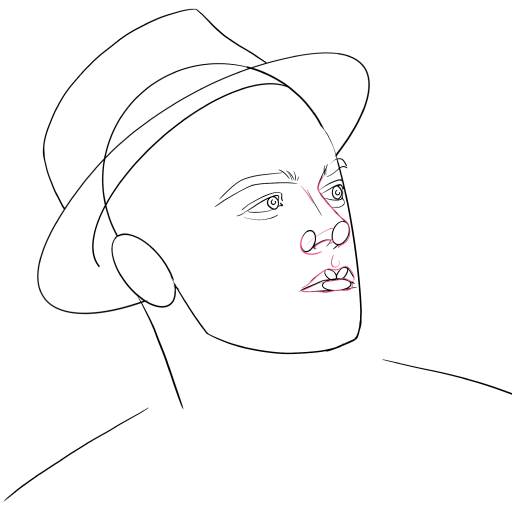
STEP 6 / 12
Step 6
Outline the nose and lips more clearly, giving them a characteristic expression.
Use this image in the tutorial maker →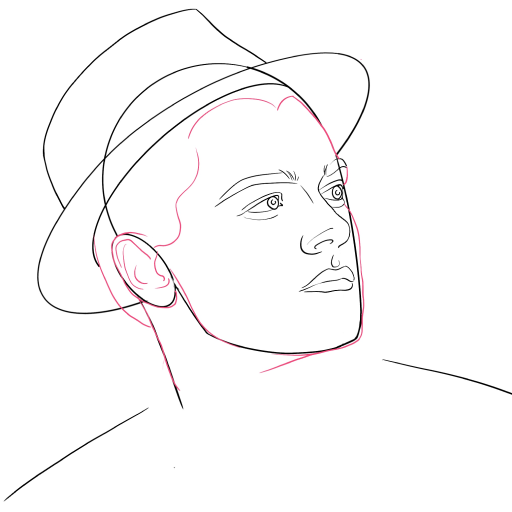
STEP 7 / 12
Step 7
Work on the contour of the face, add cheekbones, chin, and the neck line. Refine the ear.
Use this image in the tutorial maker →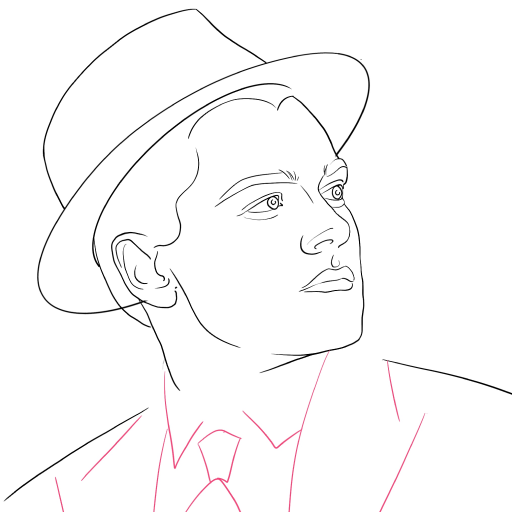
STEP 8 / 12
Step 8
Add the outline of the suit collar, tie, and the top part of the jacket.
Use this image in the tutorial maker →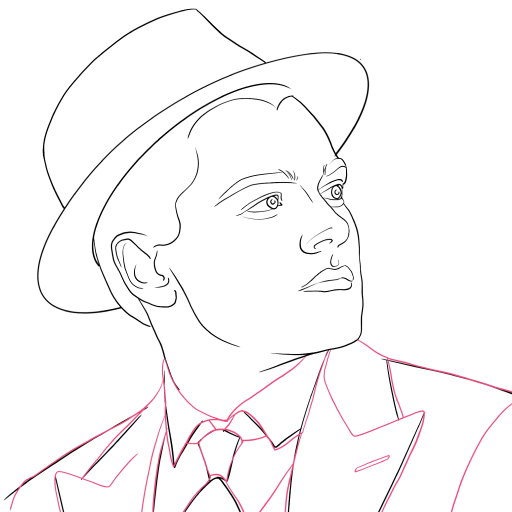

STEP 10 / 12
Step 10
Draw the expression lines on the face. Add strokes for the texture of the shirt.
Use this image in the tutorial maker →
STEP 11 / 12
Step 11
Add the final details to the hair, eyebrows, and eyelashes. Add some light stubble.
Use this image in the tutorial maker →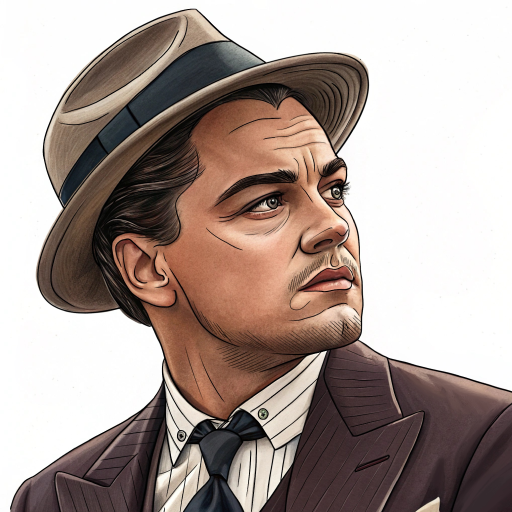
STEP 12 / 12
Step 12
Leonardo DiCaprio is ready! Color it according to the example.
Use this image in the tutorial maker →


