ORIGINAL DRAWING LESSON
Headphones
Ready to learn how to draw headphones? Drawing large headphones can be an interesting challenge, requiring attention to details such as soft earcups and material texture. It's important to convey volume and shape using light and shadow to make the headphones look realistic and appealing. Experiment with different styles and techniques to create a unique image that reflects your individuality.

STEP 1 / 10
Step 1
Let's start by drawing a smooth oval. This will be the outer contour of the left earcup.
Use this image in the tutorial maker →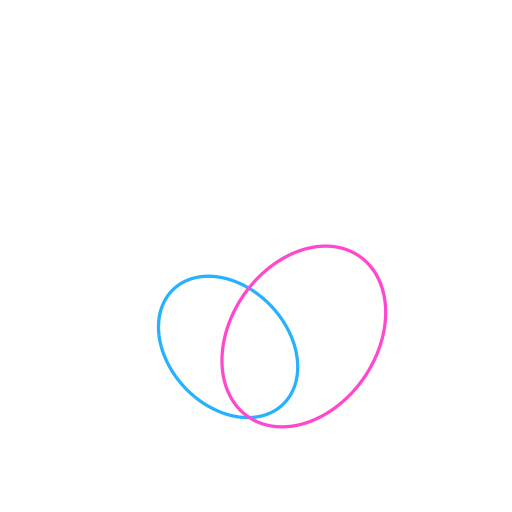
STEP 2 / 10
Step 2
Next to the first, draw a second, larger oval. This is the base for the right earcup.
Use this image in the tutorial maker →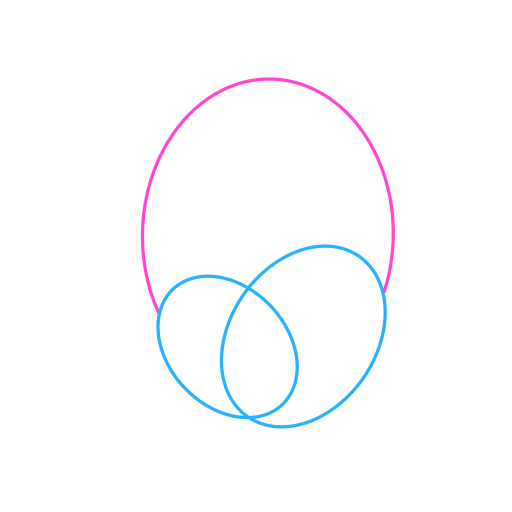
STEP 3 / 10
Step 3
Connect both earcups with a smooth curved arc. This line will be the basis for the headband of the headphones.
Use this image in the tutorial maker →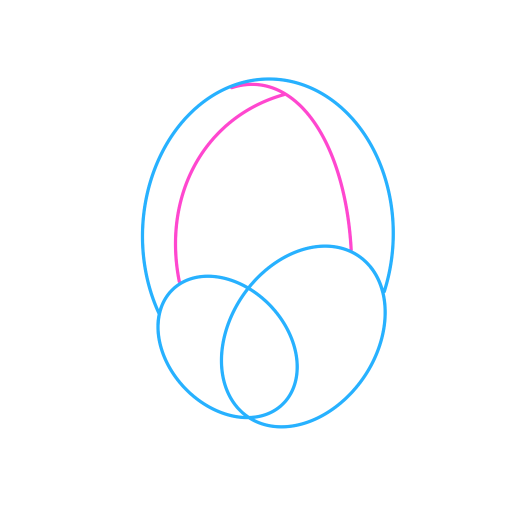
STEP 4 / 10
Step 4
Draw two more arcs, below the first one, to show the thickness and volume of the headband, giving it three-dimensionality.
Use this image in the tutorial maker →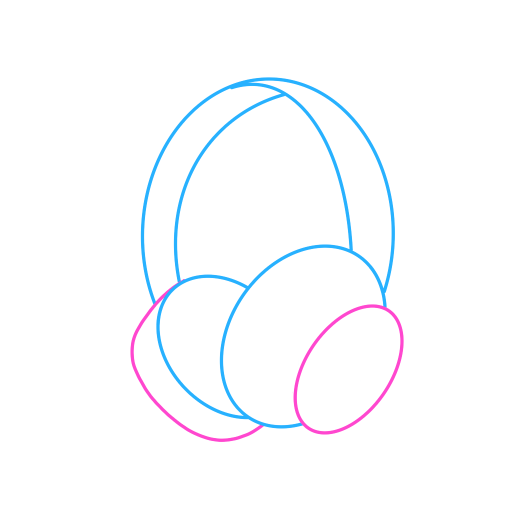
STEP 5 / 10
Step 5
Let's add volume to the earcups themselves by drawing a second, smaller oval inside the first ones, repeating their shape.
Use this image in the tutorial maker →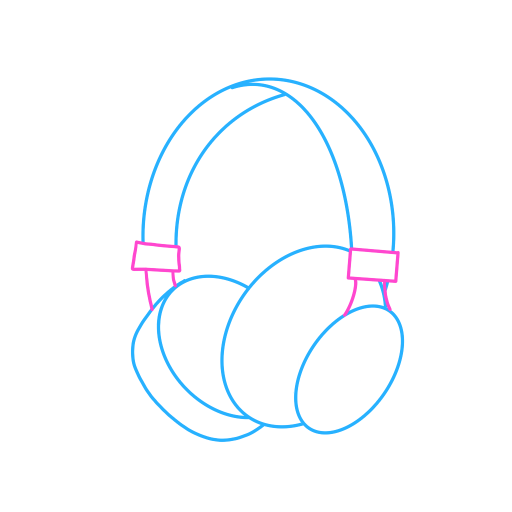
STEP 6 / 10
Step 6
Draw the mounting mechanism: depict small rectangular elements connecting the earcups to the headband.
Use this image in the tutorial maker →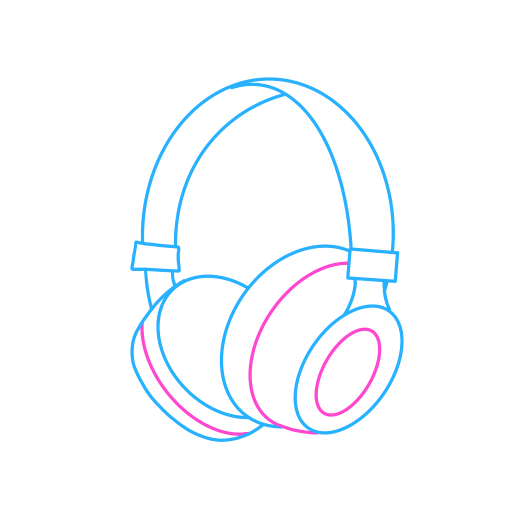
STEP 7 / 10
Step 7
Detail the design by adding more details on the earcups to make the headphones more realistic.
Use this image in the tutorial maker →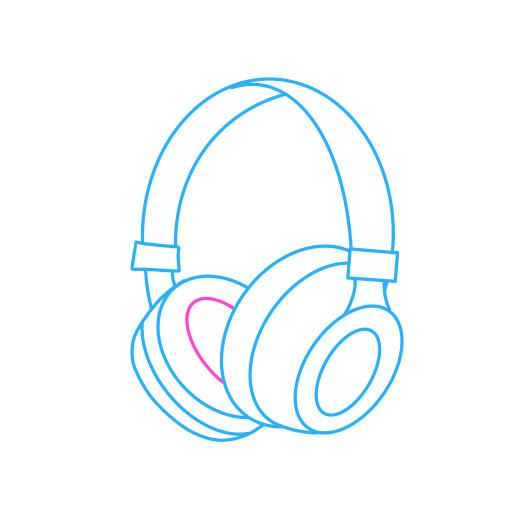
STEP 8 / 10
Step 8
Inside the left earcup, draw the earpads — depict it as an inner oval.
Use this image in the tutorial maker →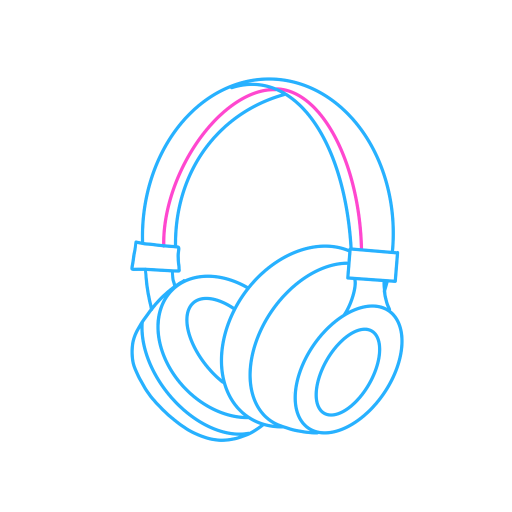
STEP 9 / 10
Step 9
Let's add a shadow line on the bend of the headband to emphasize its volume and shape.
Use this image in the tutorial maker →
STEP 10 / 10
Step 10
Let's color our headphones, add light highlights and the drawing is ready!
Use this image in the tutorial maker →


