ORIGINAL DRAWING LESSON
Groot
Groot is a tree-like creature who can only say one phrase: "I am Groot." Despite his limited vocabulary, he has a kind heart and is willing to sacrifice himself for his friends. His strength and loyalty make him an indispensable member of the Guardians of the Galaxy.
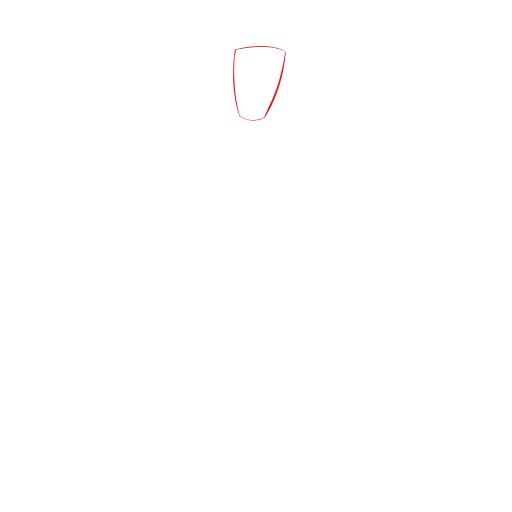
STEP 1 / 19
Step 1
Draw a rectangle with soft corners that tapers towards the bottom.
Use this image in the tutorial maker →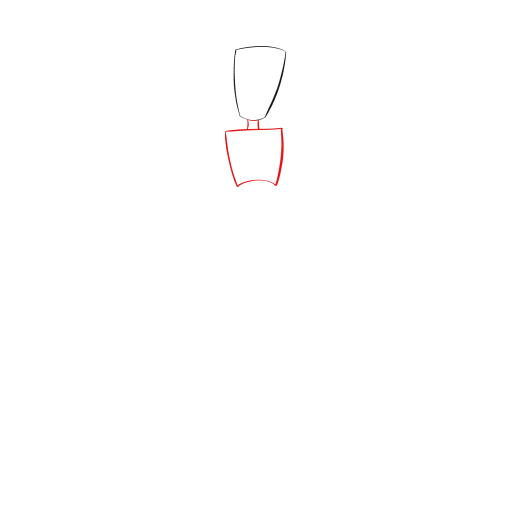
STEP 2 / 19
Step 2
Add another small square and a rectangle below the figure. These are the neck and the chest.
Use this image in the tutorial maker →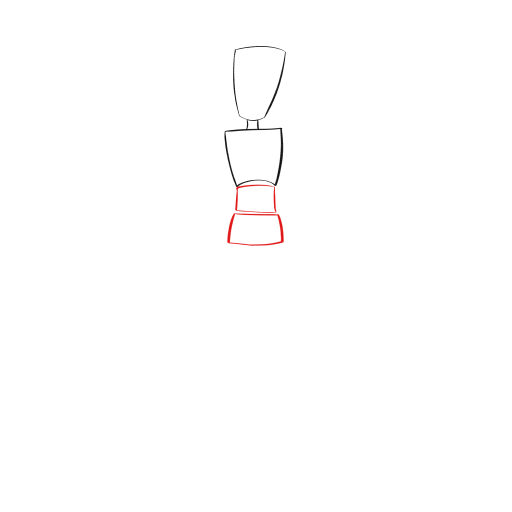
STEP 3 / 19
Step 3
Continue to develop the drawing - add the stomach and pelvis.
Use this image in the tutorial maker →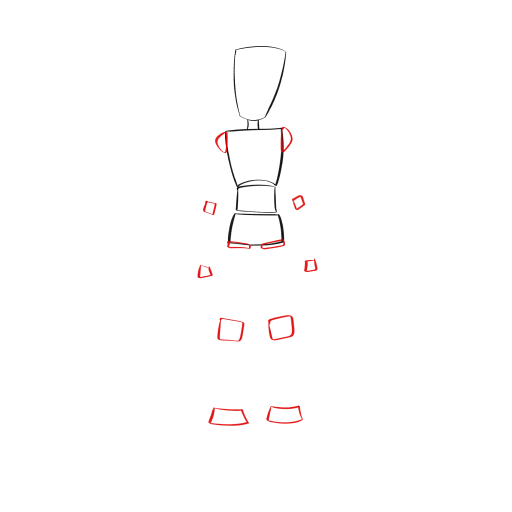
STEP 4 / 19
Step 4
Use small rectangles to position the full body. For example, at the support points: shoulders, elbows, hands, knees, and feet.
Use this image in the tutorial maker →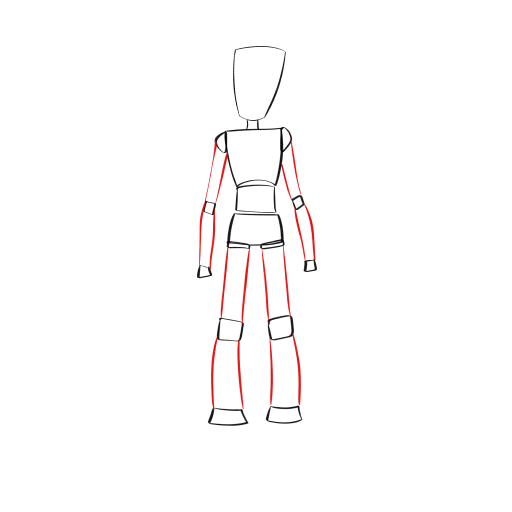
STEP 6 / 19
Step 6
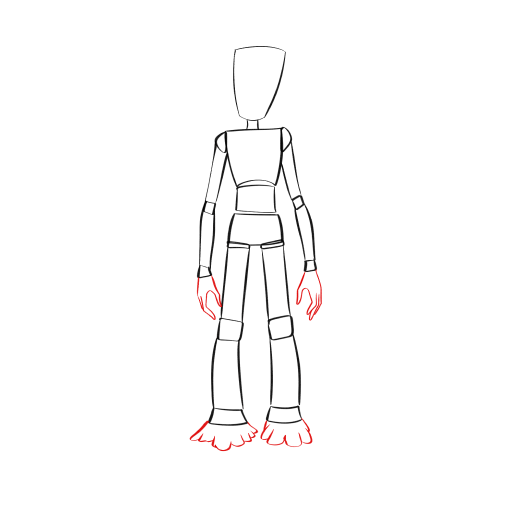
Draw the hands and feet in detail, like the roots of a tree.
Use this image in the tutorial maker →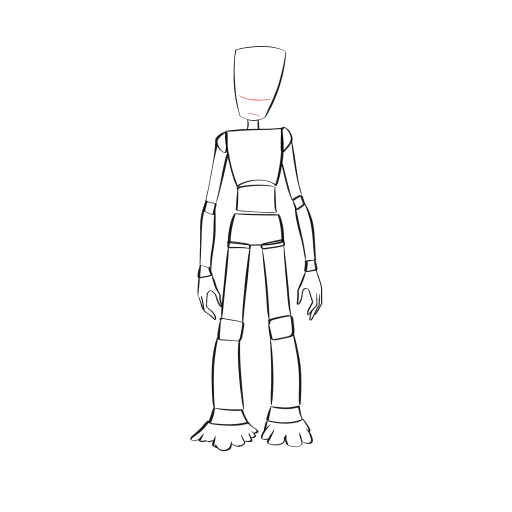
STEP 7 / 19
Step 7
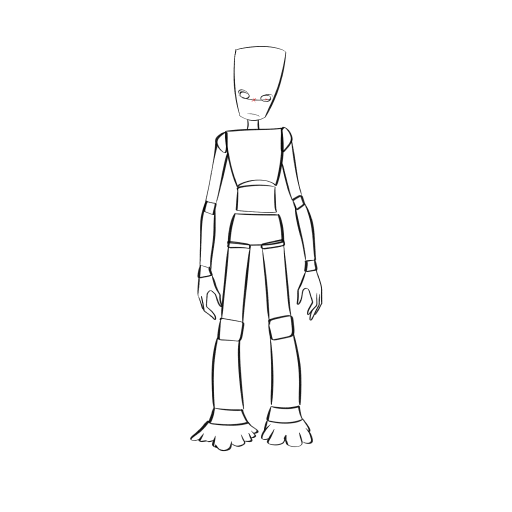
Let's go back to the head. Draw two lines for the face.
Use this image in the tutorial maker →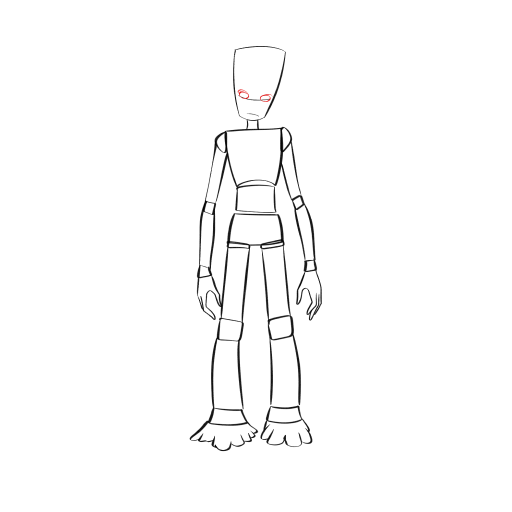
STEP 10 / 19
Step 10
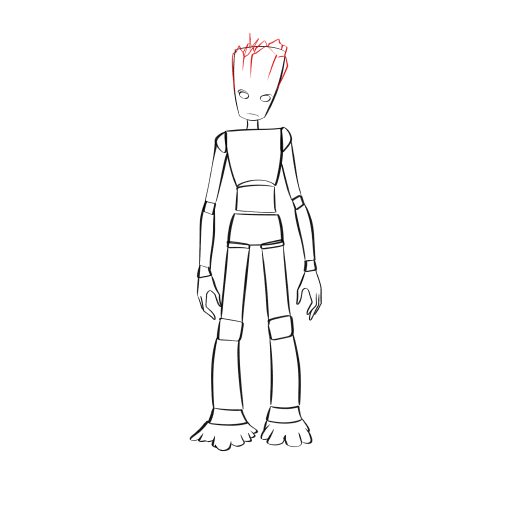
Decorate the head with shapes that resemble a tree.
Use this image in the tutorial maker →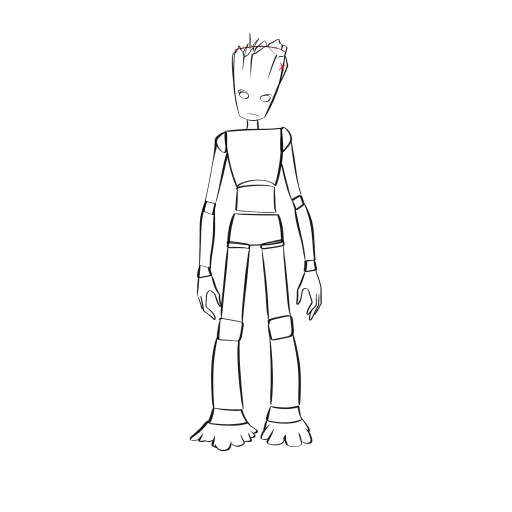
STEP 12 / 19
Step 12
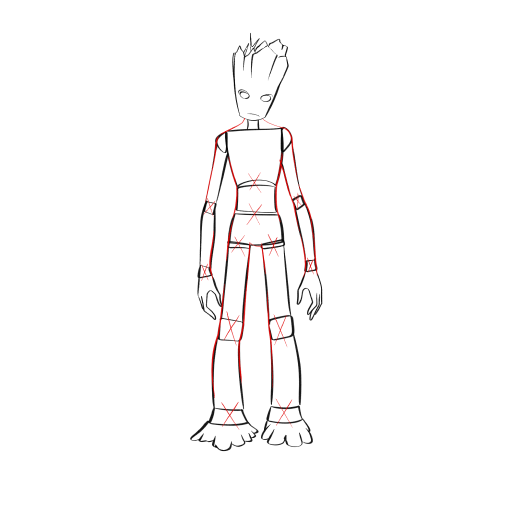
Let's move on to the whole body, erase all the auxiliary details.
Use this image in the tutorial maker →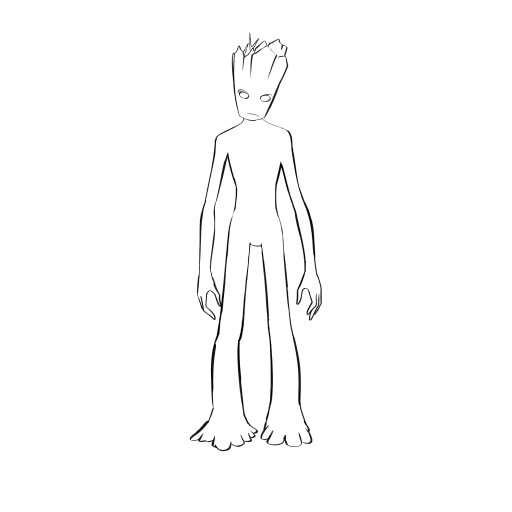
STEP 13 / 19
Step 13
This is the basis that will remain. But that's not all.
Use this image in the tutorial maker →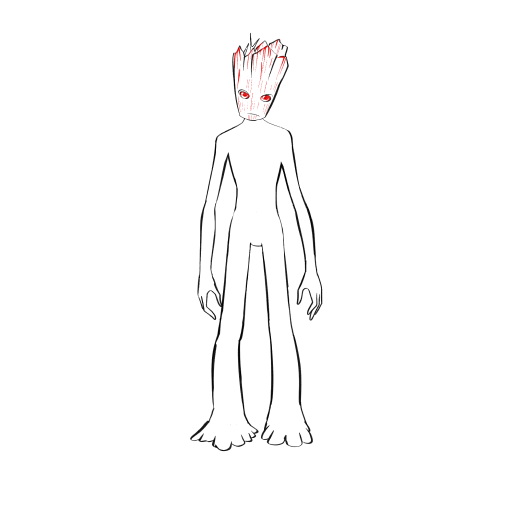
STEP 14 / 19
Step 14
Let's start shading from the head. Draw the eyes and add vertical shading according to the shape of each figure and the face.
Use this image in the tutorial maker →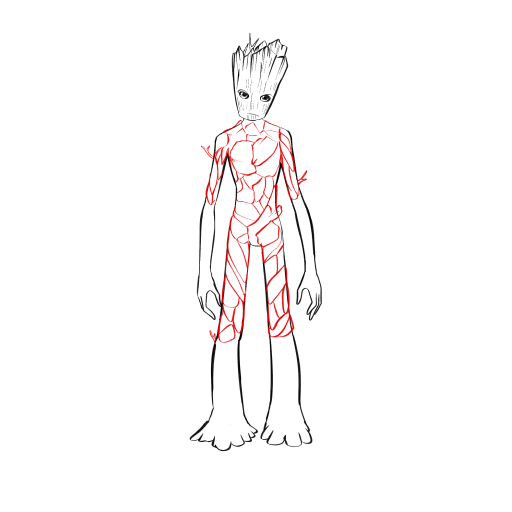
STEP 15 / 19
Step 15
Let's move down to the body. Draw patterns resembling tree bark, as if they were muscles, asymmetrical down to the elbows and knees.
Use this image in the tutorial maker →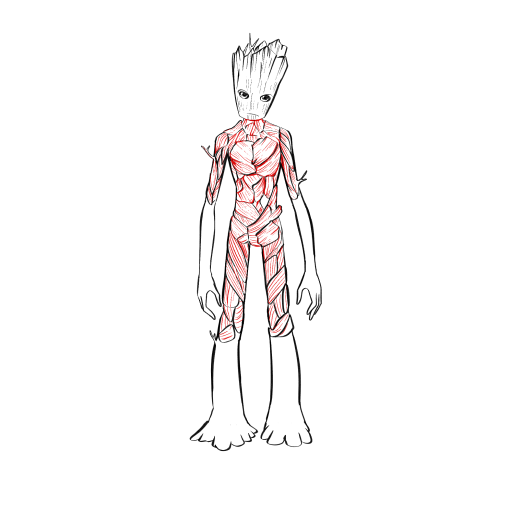
STEP 16 / 19
Step 16
Shade each piece of bark with medium lines, following its shape.
Use this image in the tutorial maker →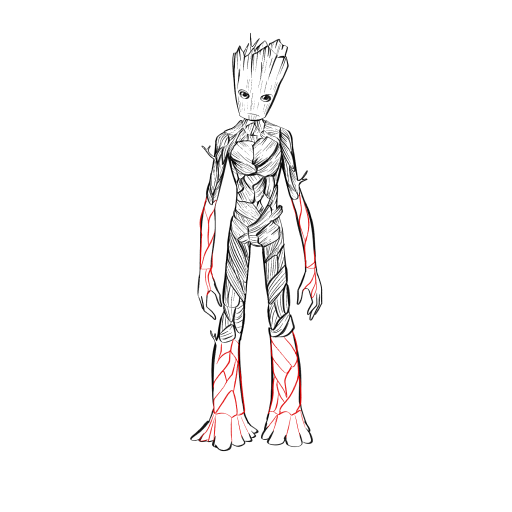
STEP 17 / 19
Step 17
Draw the same patterns to the end - hands and feet.
Use this image in the tutorial maker →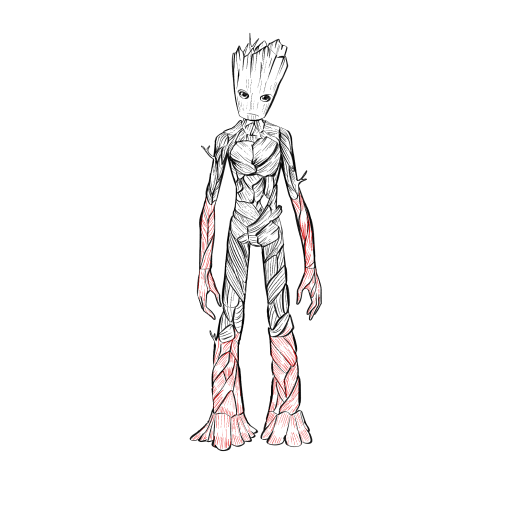
STEP 19 / 19
Step 19
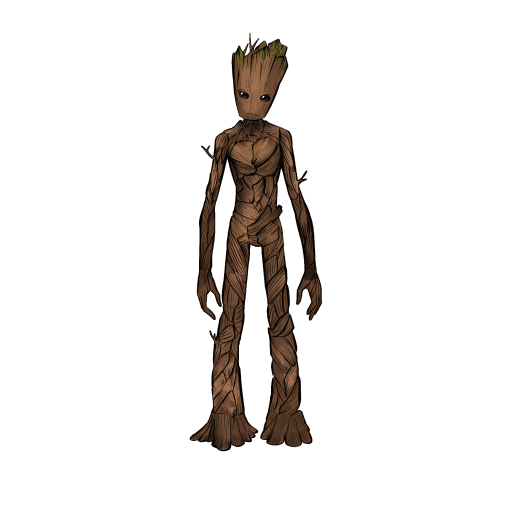
Groot is ready! You can color him according to the example.
Use this image in the tutorial maker →


