ORIGINAL DRAWING LESSON
Eiffel Tower
The Eiffel Tower is the symbol of Paris and one of the most recognizable architectural monuments in the world. It was built according to the design of engineer Gustave Eiffel and opened in 1889 as the entrance arch for the World's Fair. Constructed from wrought iron, the tower initially caused controversy, but over time it became the main attraction of France and a magnet for millions of tourists. Its unique openwork structure and impressive size make it a masterpiece of engineering art.
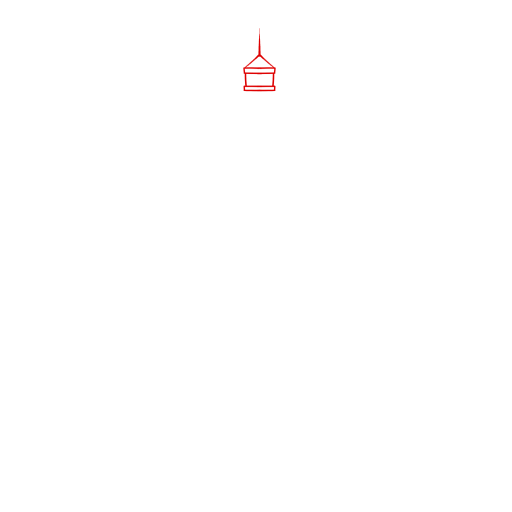
STEP 1 / 15
Step 1
Start with the top of the tower using triangles and rectangles
Use this image in the tutorial maker →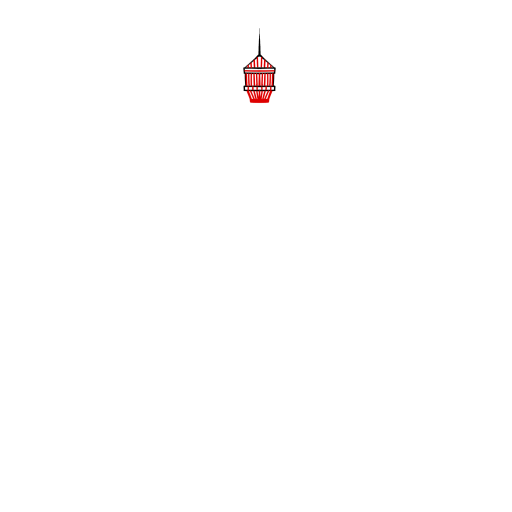
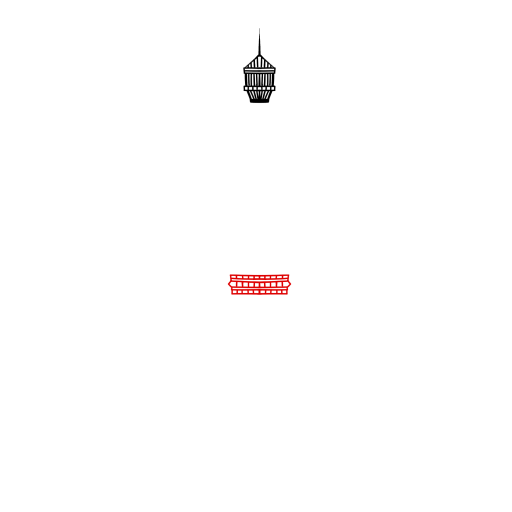
STEP 3 / 15
Step 3
Go down to the middle of the drawing and add the middle part of the tower
Use this image in the tutorial maker →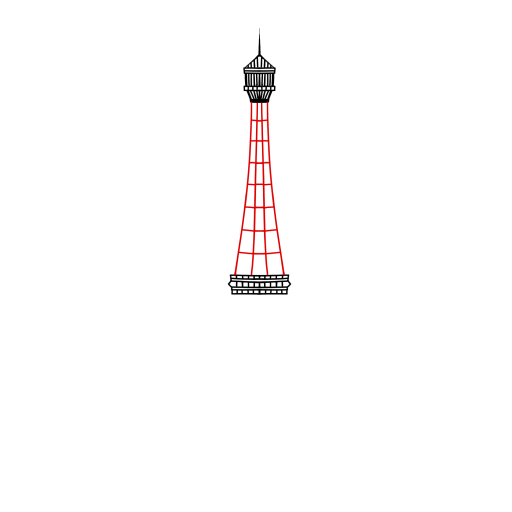
STEP 4 / 15
Step 4
Connect the top with the middle part with these lines
Use this image in the tutorial maker →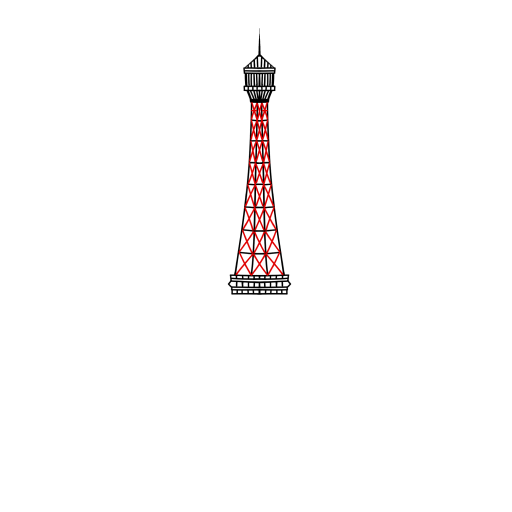
STEP 5 / 15
Step 5
Create a crisscross decoration effect on each square
Use this image in the tutorial maker →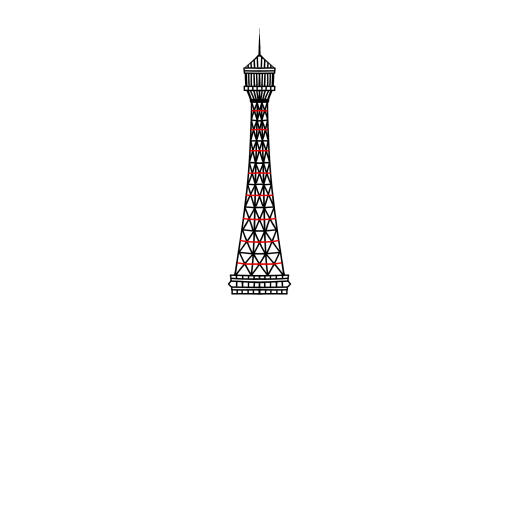
STEP 6 / 15
Step 6
Complete the first half of the drawing with a transverse line
Use this image in the tutorial maker →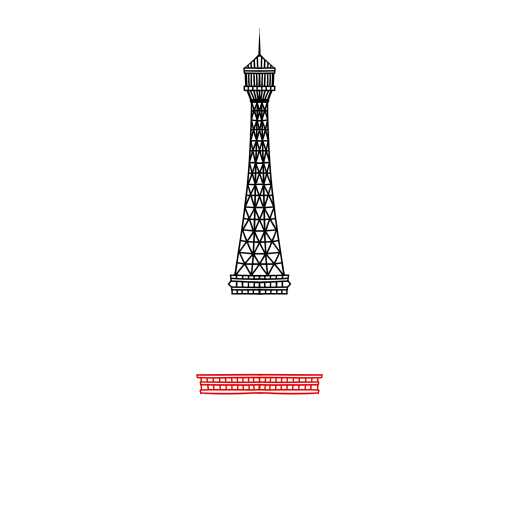
STEP 7 / 15
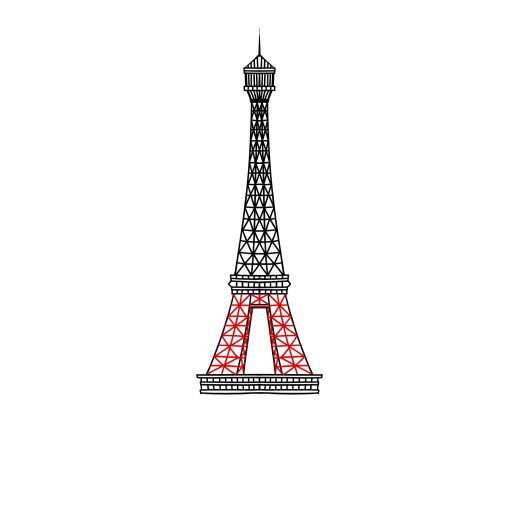
Step 7
Go down a bit more, add the lower part of the tower
Use this image in the tutorial maker →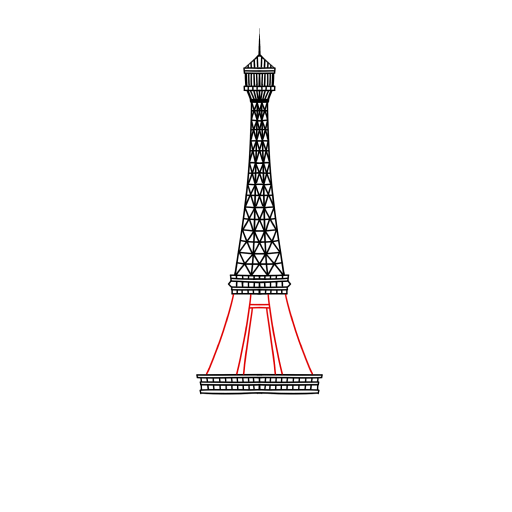
STEP 10 / 15
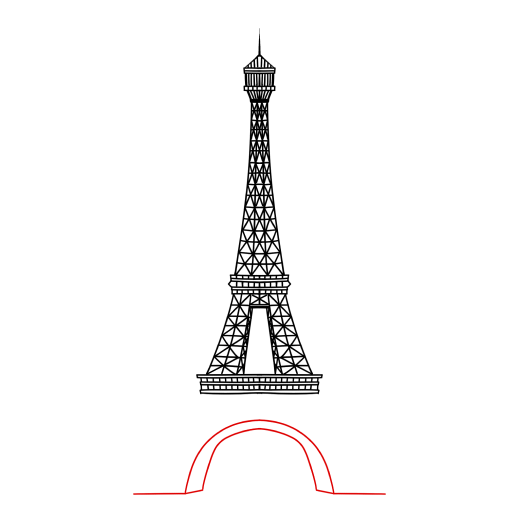
Step 10
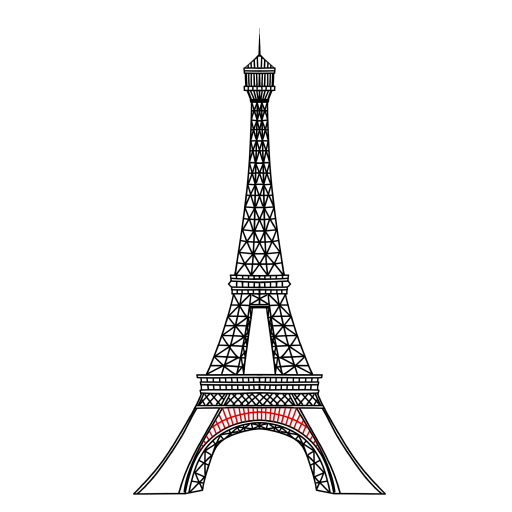
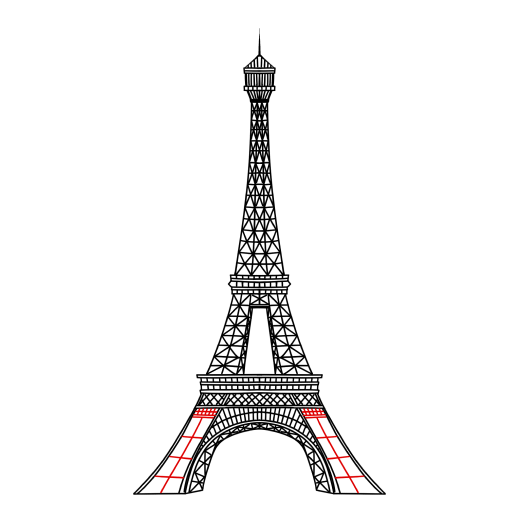
Now it's time for the base of the structure
Use this image in the tutorial maker →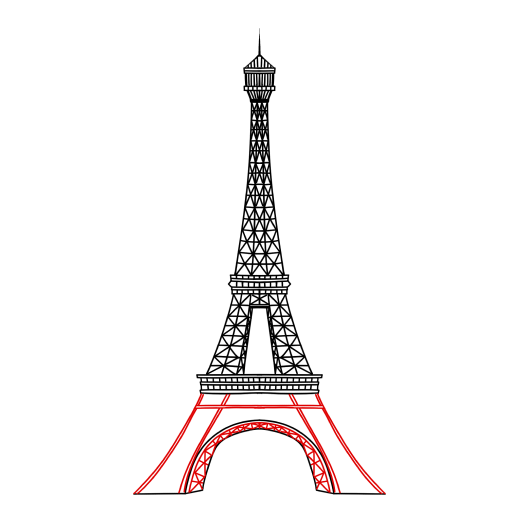
STEP 11 / 15
Step 11
Connect the base to the rest of the upper drawing
Use this image in the tutorial maker →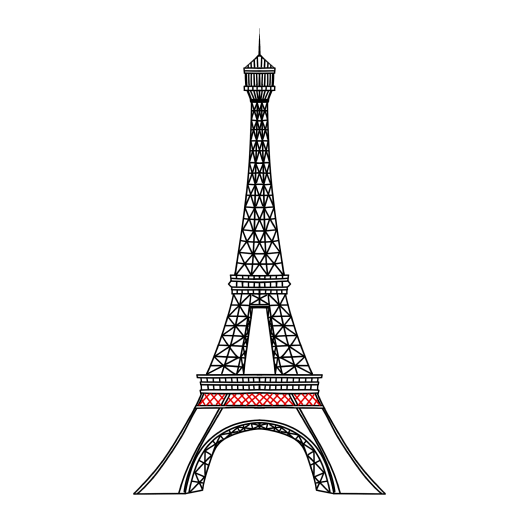
STEP 15 / 15
Step 15
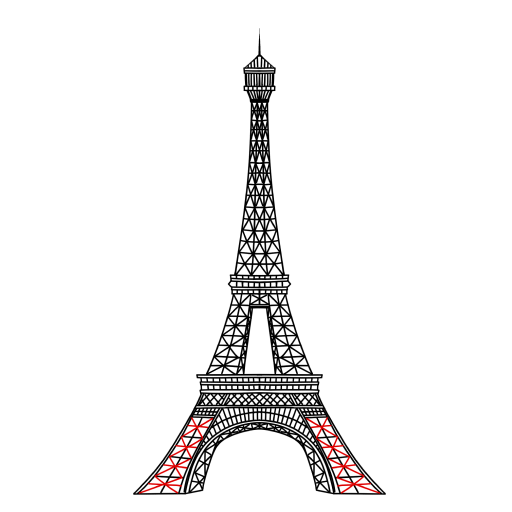
Add the final elements. The drawing is complete!
Use this image in the tutorial maker →


