ORIGINAL DRAWING LESSON
Dragon Tattoo
The dragon is an ancient symbol of strength, wisdom, and protection. In Eastern cultures, it's associated with water and rain, while in European traditions, it's linked to fire and destruction. Creating such a drawing step by step is not difficult if you follow a basic outline.
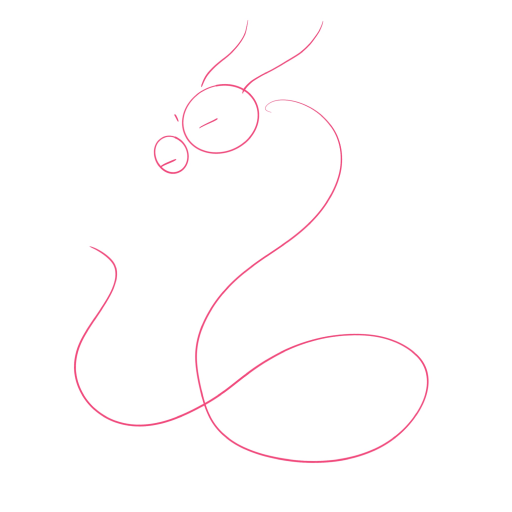
STEP 1 / 10
Step 1
Start with a simple sketch: a curved line outlines the dragon's body, and circles mark the head and snout.
Use this image in the tutorial maker →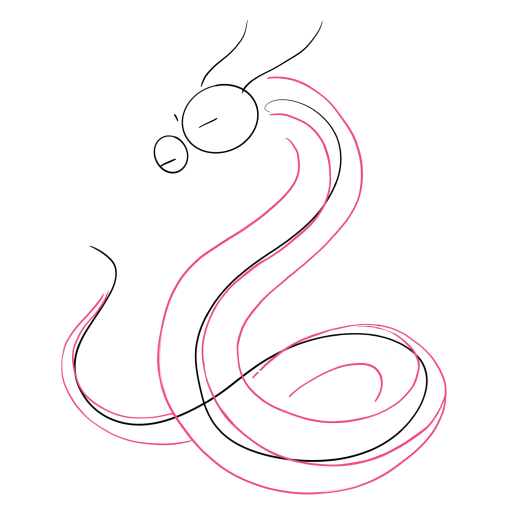
STEP 2 / 10
Step 2
Outline the main lines, making the body voluminous and fluid, and add the tail.
Use this image in the tutorial maker →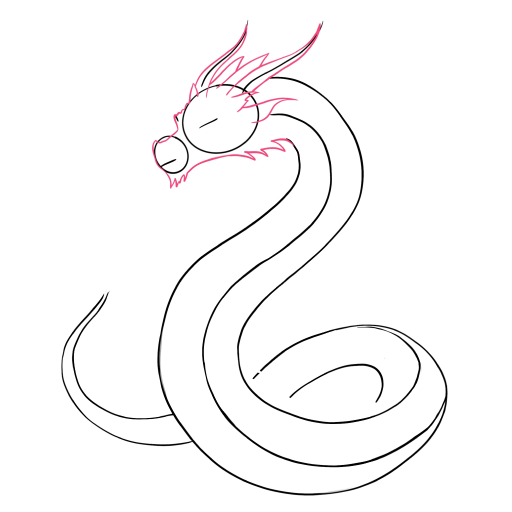
STEP 3 / 10
Step 3
Draw the mane and horns on the head to give the image character.
Use this image in the tutorial maker →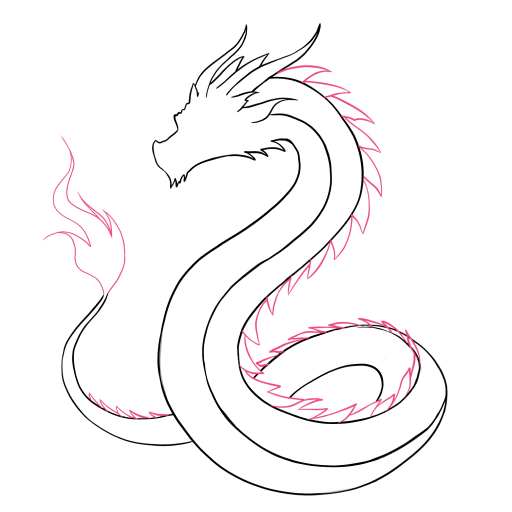
STEP 4 / 10
Step 4
Add tail details and jagged lines along the back.
Use this image in the tutorial maker →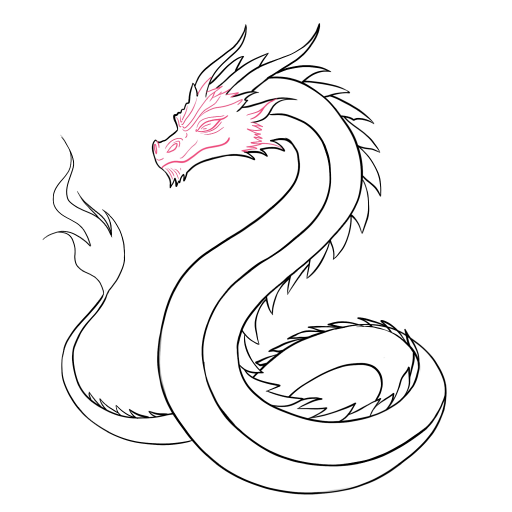
STEP 5 / 10
Step 5
Work on the snout: eyes, nose, and the shape of the snout.
Use this image in the tutorial maker →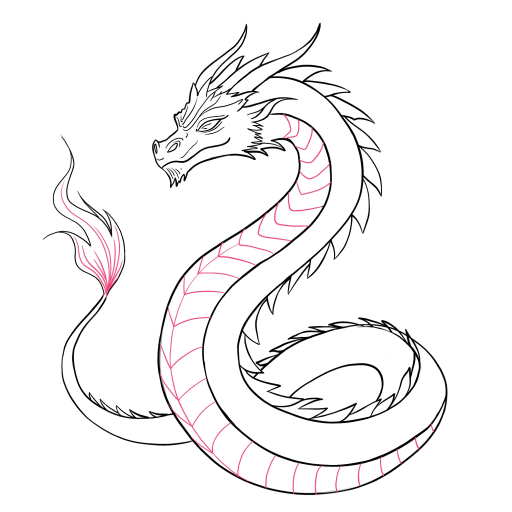
STEP 6 / 10
Step 6
Draw the details of the tail and the separation on the belly.
Use this image in the tutorial maker →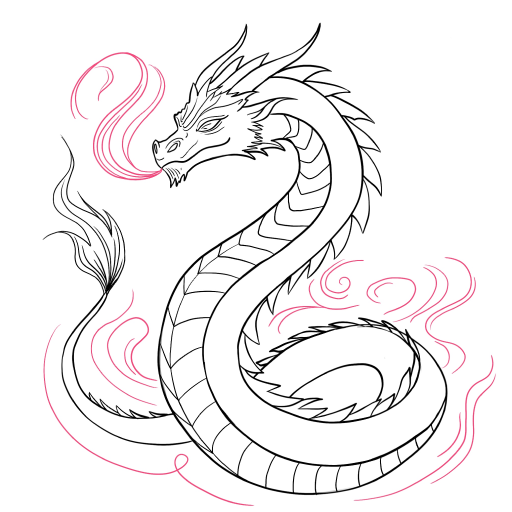
STEP 7 / 10
Step 7
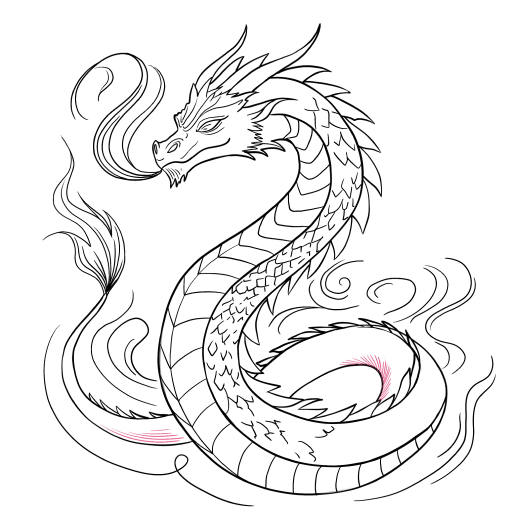
Add additional waves of smoke around the figure to enhance the dynamism and atmosphere.
Use this image in the tutorial maker →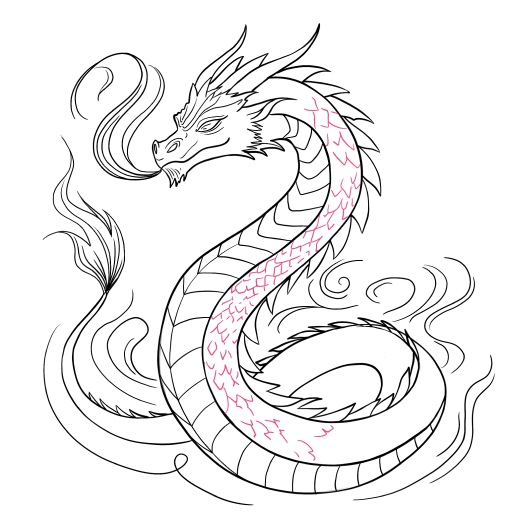
STEP 9 / 10
Step 9
Apply hatching and light shadows to the body and tail.
Use this image in the tutorial maker →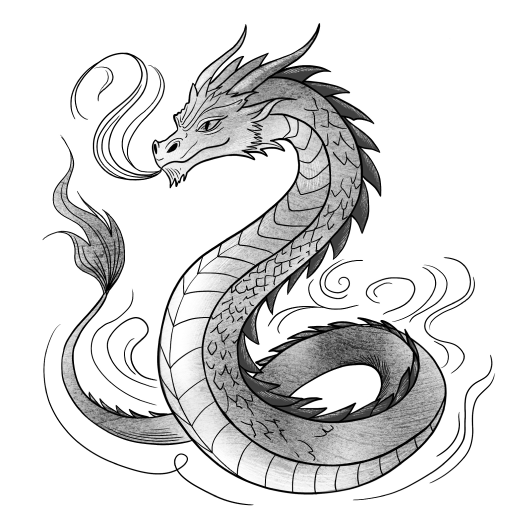
STEP 10 / 10
Step 10
Complete the drawing: deepen the contrast, refine the details and smooth transitions — the sketch is ready.
Use this image in the tutorial maker →


